Wednesday, May 18, 2011

Adobe Photoshop in the Classroom

While the excitement for taking photos is high, the amazement of what you can do to the pictures in Photoshop is just as awe-inspiring.  Today I taught the students about layers.  Also, they were taught about changing the color balance and levels.  Finally, we added a vignette and layer styles.  It was quite fun.  Here are some before and afters. 


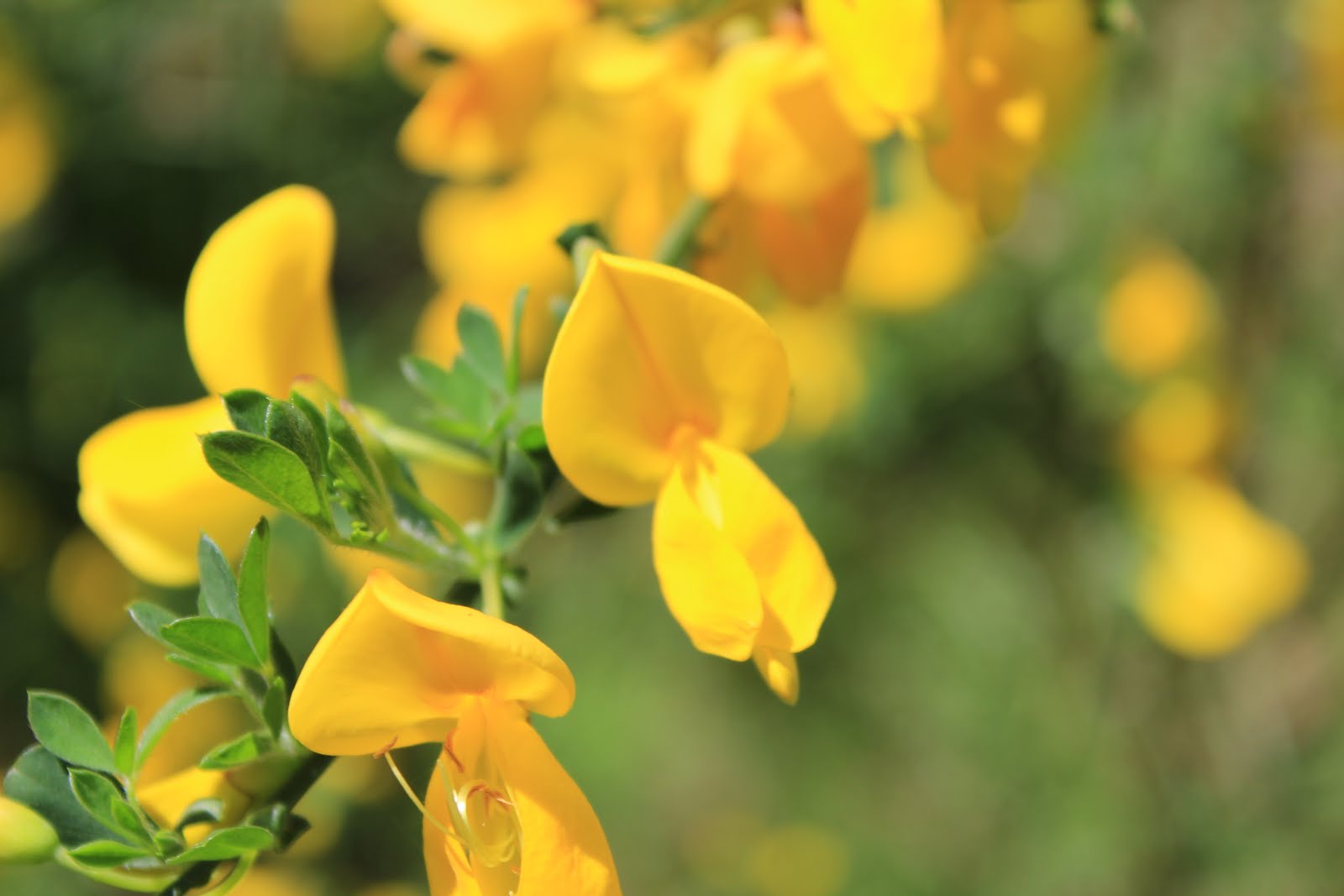
After another walk today, here are a few pictures of what we saw.  (5th & 6th graders: email me your favorite pictures from today so they can be added to the blog)




Tuesday, May 17, 2011

A Roller Coaster Ride Of A Day

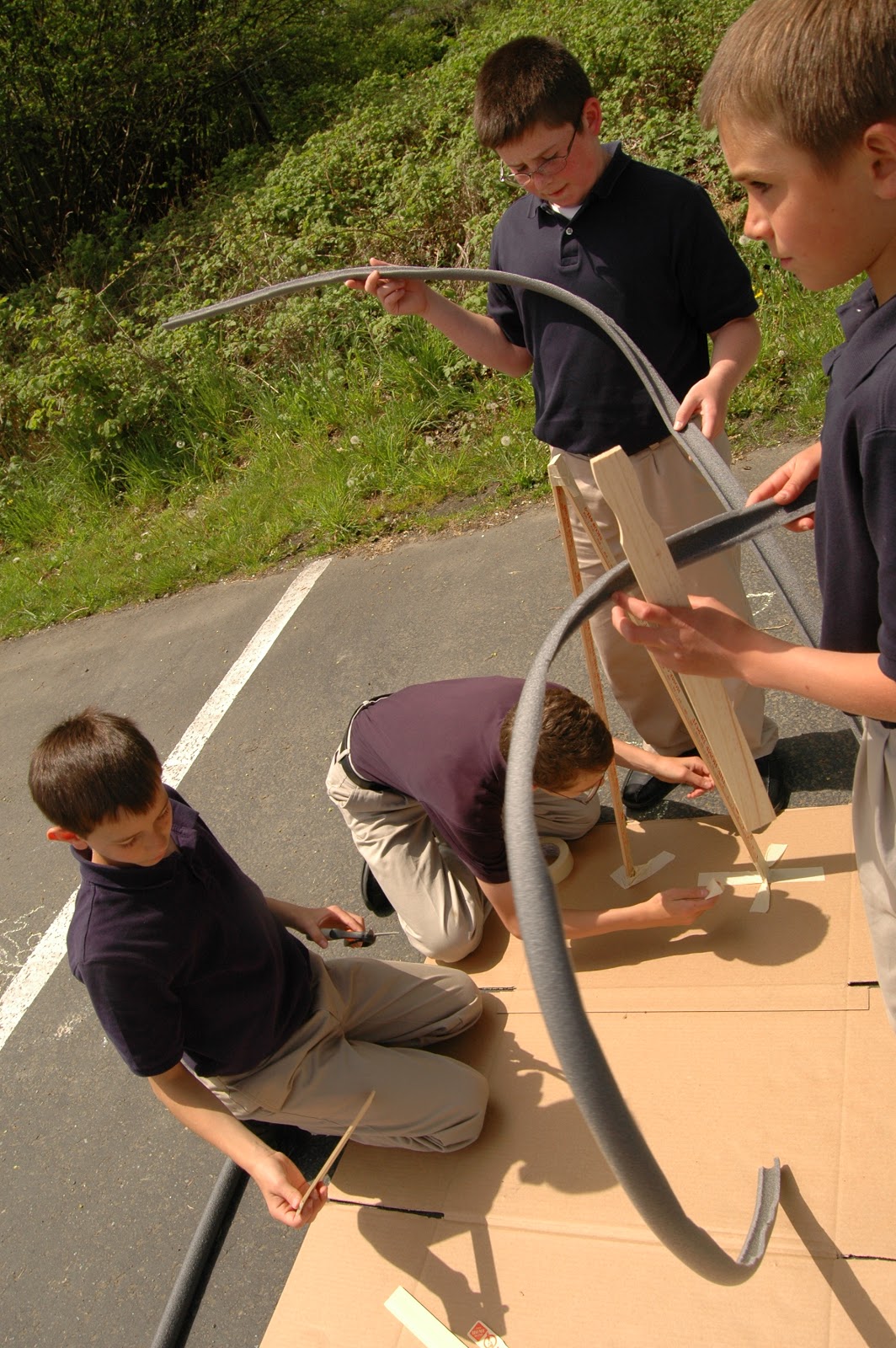
Near the end of the day, it was so nice out, that we made roller coasters outside.  Some of the boys engineered a jump, a loop, and a double loop.  Each group has its own unique twist to the project.  We are so excited to see what we can come up with tomorrow.  

Deciding the overall plan

Building a strong base

Naming the roller coaster

All the groups working outside

A jump!  It usually worked, although for this picture, it went astray.

Getting a good beginning, so as to have enough momentum

Analyzing what went wrong.


Earlier in the day, we took a walk outside.  It has been several weeks since we have taken pictures outside, and there were many new flowers blooming.  Some of the cherry blossoms we fun to gather up and throw for neat pictures.  


Monday, May 16, 2011

More Light Painting!

Light painting last week was so fun, we had to do it again today.  The more we try out different things, the better we get.  Today we tried different kinds of lights.  The first picture is of our setup.  We are running the camera completely through the computer and as each picture is taken, it is showing up full screen on the computer.  This enables us to see exactly what we are getting each time and to adjust.  

We will be doing this class again this week, so any comments or thoughts for the upcoming class is appreciated.  Thank you!